
FNF V-Slice Add-Ons
Download FNF V-Slice Add-Ons for Android and iOS. The best collection of tools and utilities to enhance your Friday Night Funkin' Mobile experience.
While MODs add new songs and characters to FNF, add-ons are different: they enhance, modify, or improve the game itself. From performance optimizers for low-end phones to extra gameplay modes and visual overhauls, these tools let you customize FNF Mobile exactly how you want it. All add-ons listed here are compatible with the official V-Slice version and can be installed alongside your existing MODs.
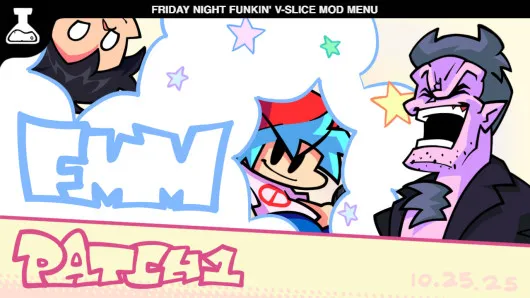
Funkin' Mod Menu
Organize, enable, and disable your installed FNF mods directly from an in-game menu. Essential for managing large mod collections.
View Details & Download →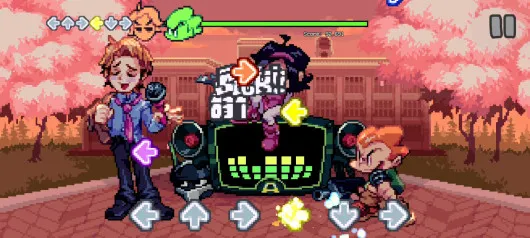
FNF Extra Key Support
Adds support for 5, 6, 7, 8, and 9-key gameplay on mobile. Required for multi-key mods like VS Shaggy.
View Details & Download →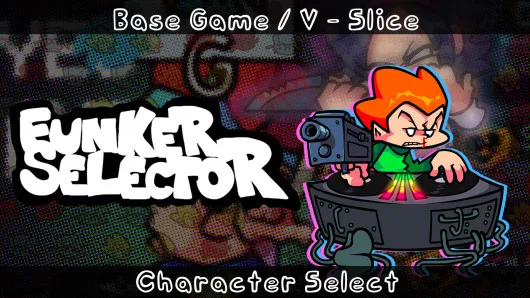
Funker Selector
Adds a character selection menu to Freeplay mode. Play as different characters instead of only Boyfriend.
View Details & Download →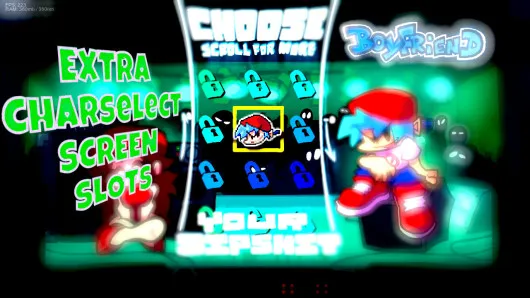
Extra Character Select Slots
Expands the character selection screen with additional slots for mod characters. Perfect for large mod collections.
View Details & Download →
Taunt! Add-On
Adds the taunting mechanic to FNF Mobile. Make your character taunt during gameplay for extra fun.
View Details & Download →
FNF Extra Modes
Adds new gameplay modes and modifiers to FNF V-Slice. Fresh ways to replay your favorite songs with extra challenges.
View Details & Download →
FNF Note Randomizer
Randomizes note directions in any song for a unique experience every time. Designed to stay playable, not spam.
View Details & Download →
Disable Shaders
Removes shader effects to improve performance on low-end devices. Essential for smoother gameplay on budget phones.
View Details & Download →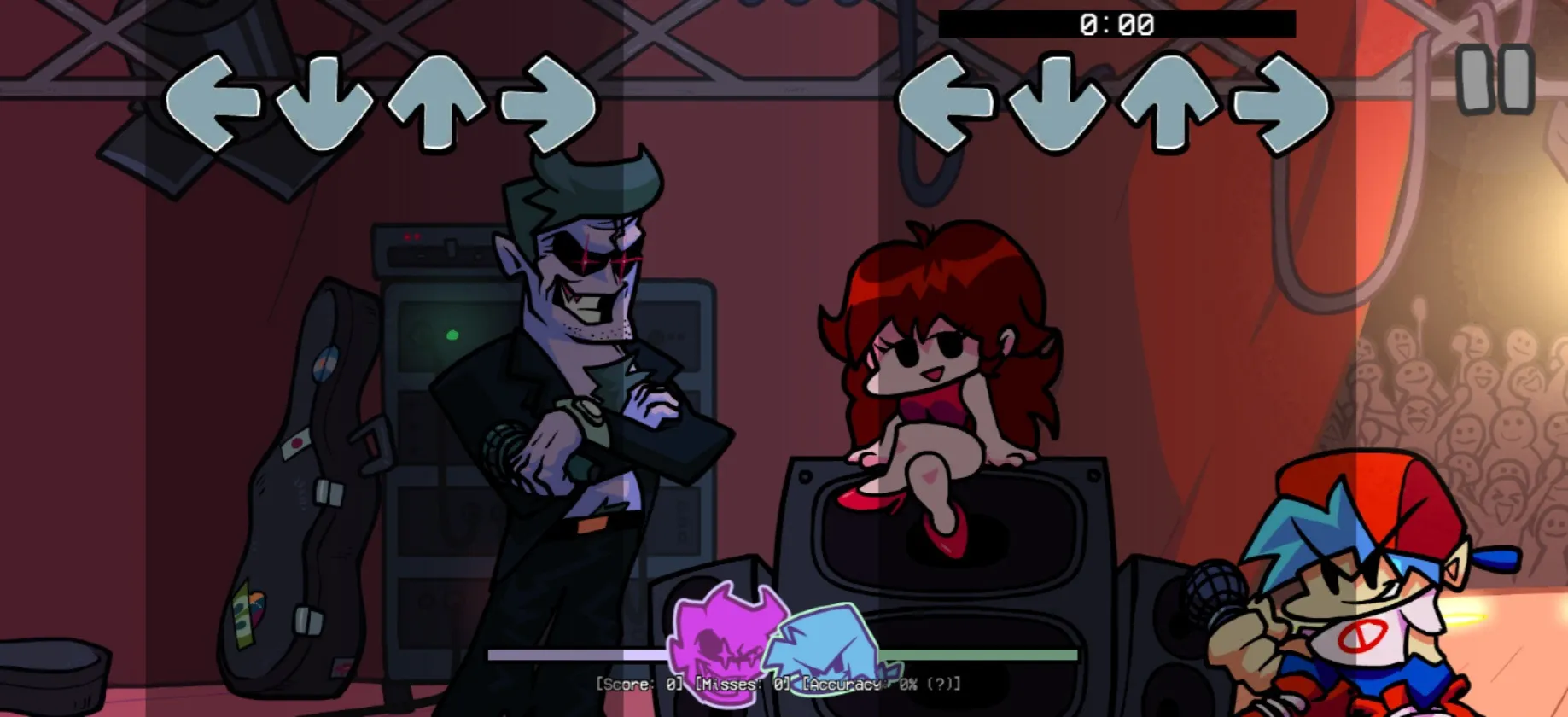
Mobile Notes Like PC
Changes mobile note positions to match the PC version layout. Perfect for players who switch between platforms.
View Details & Download →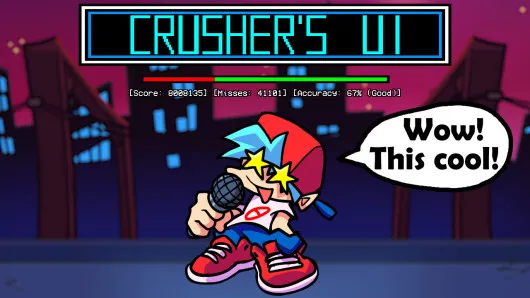
Crusher's UI
Complete visual overhaul of the FNF user interface. Replaces menus, health bars, and score displays with a fresh design.
View Details & Download →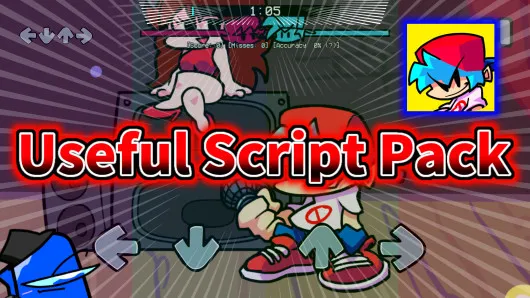
Useful Script Pack
A collection of useful scripts and utilities bundled into one mod. Multiple quality-of-life improvements in a single install.
View Details & Download →
Autoplay V-Slice
Enables automatic note hitting so the game plays songs by itself. Great for previewing songs or watching difficult tracks.
View Details & Download →
Super Bot Play
Enhanced autoplay with more natural-looking bot performance. Great for recording gameplay or watching songs hands-free.
View Details & Download →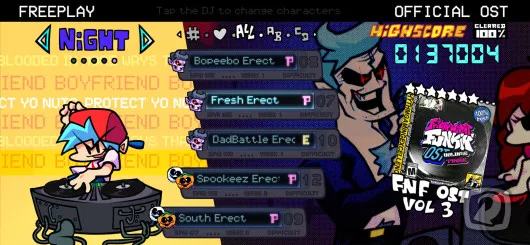
Mobile Tweaked Charts
Modified base game charts optimized for touchscreen gameplay. Makes songs feel more natural on mobile devices.
View Details & Download →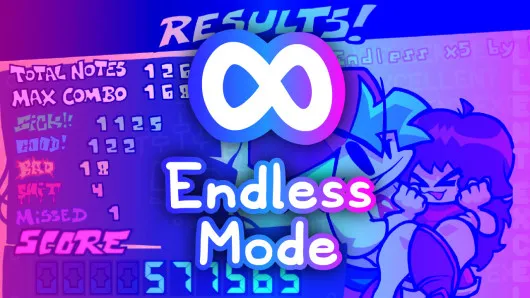
Endless Mode
Songs loop indefinitely until you lose. Perfect for practice sessions, endurance challenges, or enjoying favorite tracks.
View Details & Download → FNF OPT Mod
Performance optimization add-on that reduces lag and improves frame rates while maintaining visual quality.
View Details & Download →
V-Slice Like Psych Engine
Brings Psych Engine-style features and UI elements to FNF V-Slice. Familiar experience for Psych Engine fans.
View Details & Download →
Osu! Mania Notes
Replaces default notes with Osu! Mania-style skins and hit sounds. Perfect for Osu! fans who play FNF.
View Details & Download →What Are FNF Add-Ons?
FNF Add-Ons (also called tools or utilities) are modifications that change how the game works rather than adding new musical content. Unlike MODs that bring new songs and characters, add-ons focus on improving the gameplay experience through features like better performance, new input options, visual customization, or quality-of-life improvements.
Add-ons are installed the same way as regular MODs: simply place them in the "mods" folder of your FNF Mobile installation. Most add-ons are compatible with each other and can be used alongside your favorite MODs without issues. If you're new to installing mods, check our complete installation guide.
Which Add-Ons Should I Install First?
If you're just getting started, we recommend these essential add-ons:
- Funkin' Mod Menu — Makes managing multiple mods much easier with an in-game menu.
- Extra Key Support — Required if you want to play mods with more than 4 keys (like VS Shaggy).
- Disable Shaders — Essential for smoother gameplay on lower-end devices.